
Local SEO blog
How to Get Your Dispensary to the Top of Google, Updated October 2026
October 22, 2026
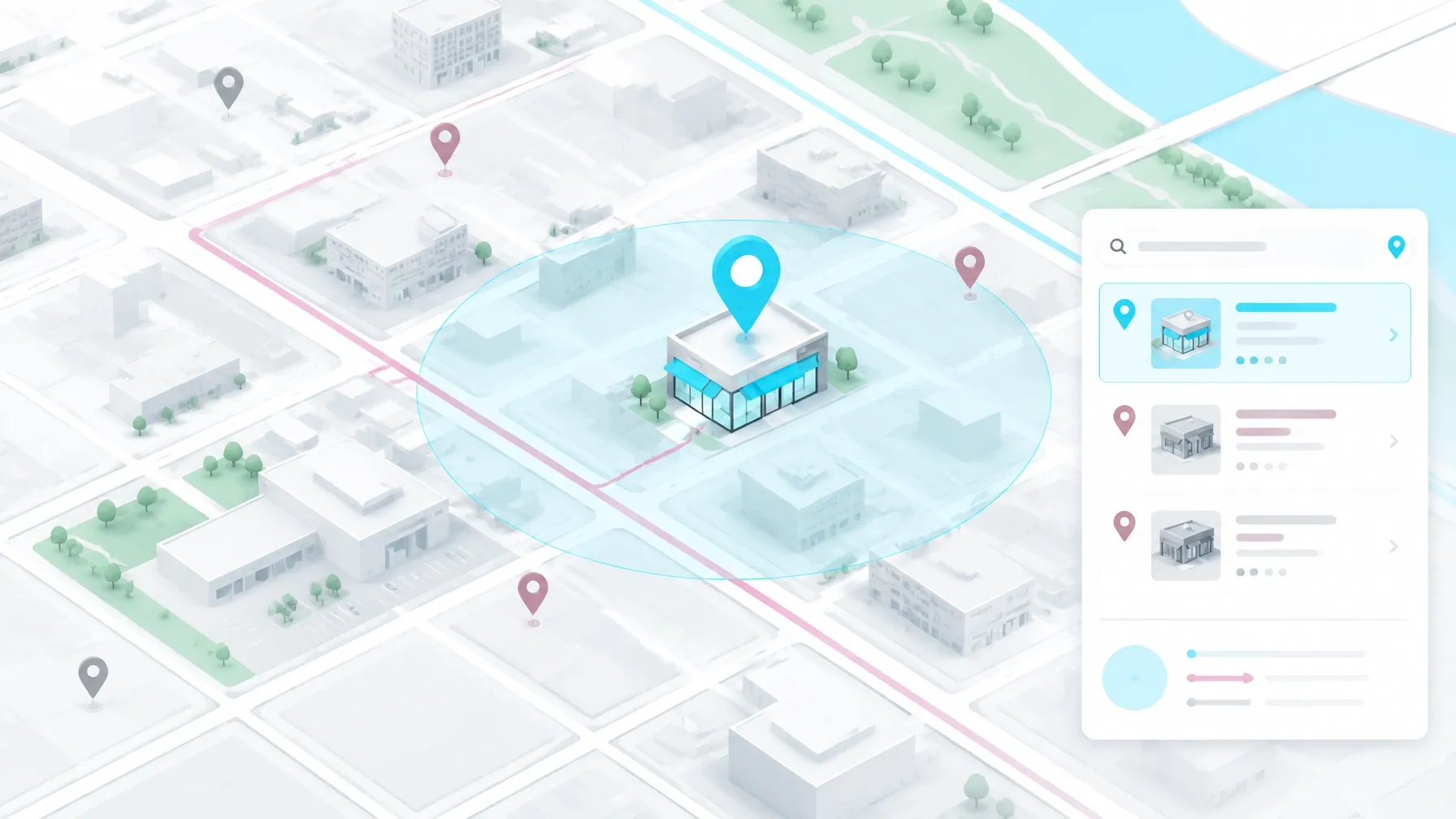
Getting a dispensary closer to the top of Google comes down to four fundamentals: a complete Google Business Profile, a steady flow of genuine reviews, a menu Google can crawl, and location pages with useful local details. Acronyms are not on that list.
I’ve worked in SEO since 2013. I taught myself by doing client work, starting while I had a tow truck dispatch job. I’ve worked in cannabis and CBD SEO since 2020, including on Google Business Profiles, menu indexation, location-page architecture, and review systems.
Across dispensary sites, I keep seeing the same opportunity: the basics need attention before anyone spends time chasing the latest search acronym. Google describes local results in terms of relevance, distance, and prominence, which makes these fundamentals a practical place to start. (Google’s guide to local ranking)
Make your Google Business Profile useful
For a storefront dispensary, the Google Business Profile is one of the first places a nearby customer may check. Give Google and potential customers accurate information about the business.
Choose Cannabis store as the primary category when it accurately describes your licensed storefront and appears in Google’s category selector. Google recommends choosing the most specific category that fits the business. (Google’s category guidance)
Keep regular and holiday hours current. Add the right menu or order link, complete the attributes available to your listing, and refresh your photos so they show the actual storefront, interior, parking, and customer entrance. Google’s business representation guidelines also call for accurate information that reflects the real-world business.
Cannabis categories can have locked or limited Business Profile features, including Posts and Products. Google’s policy for prohibited and restricted content also limits how regulated products can be promoted through profile features. Treat those surfaces as optional, follow the current policy, and make the core details on your profile dependable.

Build a steady, honest review habit
Reviews help customers decide which store to visit. Google also identifies review count and ratings as part of prominence in local results. (Google’s local ranking guide)
Dispensaries face a real complication: some customers prefer to keep a store visit private. Make it easy to leave feedback without pressuring anyone. Staff can make a neutral request at the register, a QR code can link directly to the review form, and a follow-up text can include a short review link.
Google requires reviews to reflect genuine experiences. It prohibits incentives for reviews, and its review policy also prohibits selectively asking only for positive feedback. Ask for honest feedback, give customers room to decide, and respond calmly to both praise and complaints.
A simple process that staff can follow is more useful than a complicated campaign that sits in a shared folder until someone remembers it.
Make sure Google can reach your menu
Menu indexation is one of the most common technical problems I see in dispensary search. Many shops use menu providers such as Dutchie, iHeartJane, or Weedmaps. If the menu’s product details load only inside an iframe, those details often fail to become useful, stable pages on the dispensary’s own domain.
Google may render some embedded content, so test the actual implementation before making assumptions. The key question is simple. Does the menu give Google and customers accessible pages with crawlable product and category information? Dutchie’s menu SEO FAQ describes how menu setups can affect indexation.
Ask your provider about an iframeless or headless menu tier, or another setup that gives important categories and products stable URLs on your site. Then check those URLs in Google Search Console and inspect the rendered page. If Google cannot see the product information in the page it processes, the menu is a weak foundation for organic search.
Pay attention to the age gate, too. A gate that blocks Googlebot from reaching the site can prevent important pages from being indexed. Test the gate and the pages behind it after implementation changes. Keep compliance requirements in place while making sure search engines can access the business information and content you intend them to find.
Give every real location a page of its own
A single-location shop can build one strong location page. Multi-location operators need distinct pages with real details for each storefront. Copying one template and swapping the city name gives customers little reason to trust that the page describes their actual store.
Put the name, address, phone number, and hours in crawlable HTML. Add accurate LocalBusiness or Store schema, including the location’s geographic coordinates. An embedded map helps customers orient themselves, while details about parking, the neighborhood, nearby landmarks, and the entrance make the page useful to someone planning a visit.
Connect the page to the right Business Profile and menu. Keep business details consistent across the site and major listings. These are the kind of practical fundamentals I cover in my broader local SEO work.
For a more detailed look at the map pack, read my guide to ranking a dispensary in Google Maps. Michigan operators can also explore my page about dispensary SEO in Michigan, and my overview of cannabis dispensary marketing explains how local search fits into the wider picture.

What the Fluresh work shows
The Fluresh case studies show how useful pages can capture organic search demand. They are content projects, not a promise that every dispensary will see the same results.
The Liquid Diamonds Concentrate Guide launched in spring 2026 with zero ranked keywords. By August 2026, it had reached 342 organic US keywords, including 159 in the top three, and roughly 3,600 monthly organic visits. Weed Carts Explained reached position one for “what is a cart weed,” a query with 3,500 monthly searches. It had 236 organic US keywords, 92 in the top three, and about 1,145 monthly organic visits.
These figures are client-supplied Ahrefs data. I handled keyword research, content strategy, writing, imagery, upload, and publishing for both guides. You can explore the portfolio and case studies for more detail.
What to check this week
- Audit your profile. Confirm the primary category, hours, phone number, address, photos, and menu or order link.
- Check your reviews. Count them, note the date of the most recent one, and make sure your process asks customers for honest feedback without incentives.
- Search your site. Use a
site:yourdomain.comquery to see if product and category pages appear in Google. Then inspect important URLs in Search Console. - Review your location page. Confirm the address appears in the page’s HTML, the schema matches the visible details, and the map points to the correct storefront.
Getting closer to the top of Google starts with making the business easy to understand, visit, and verify. I’ve worked in cannabis SEO services since 2020, and these fundamentals are where I start when a dispensary wants a clearer picture of its search problems.
If you want help finding the issues on your site, request a free SEO audit. I’ll look at the pages, profile, and technical details, then give you a practical place to begin. Search results depend on the market and the work that can be implemented, so I don’t promise a position or a fixed timeline.