
Local SEO blog
How to Rank Your Dispensary on Google Maps
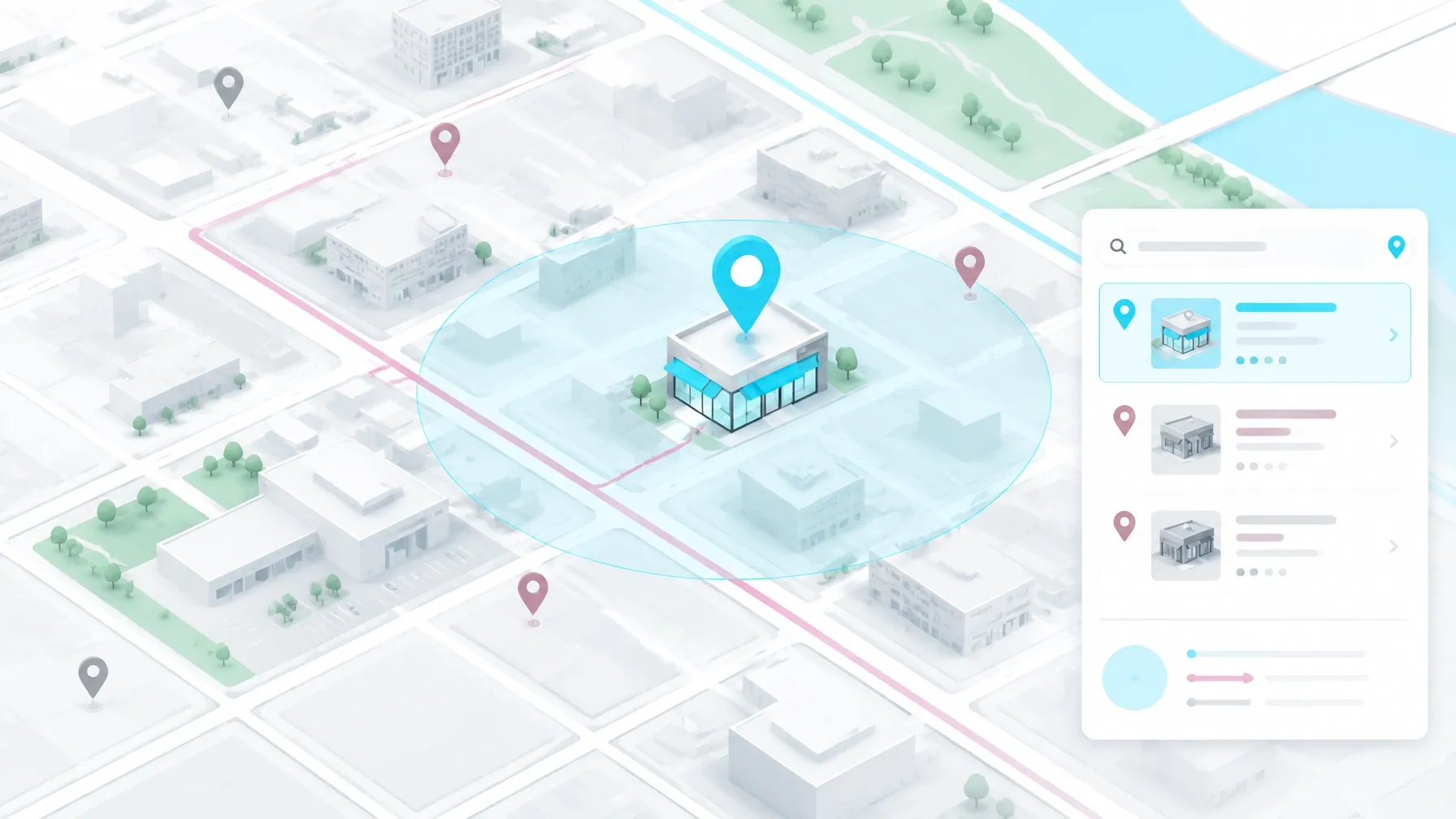
If you own a dispensary, Google Maps is one of the clearest paths from a search to a store visit.
Someone searches for a dispensary, compares a few nearby listings, checks the hours and reviews, looks at the menu, and decides where to go. The map pack puts your storefront directly into that decision.
Google and Meta generally don’t offer a dependable paid advertising lane for cannabis dispensaries. Policies and enforcement shift by market, so you cannot build your customer acquisition strategy around buying visibility.
Organic search has to do the work.
Weedmaps and Leafly dominate many generic cannabis searches, especially when someone is comparing menus. Your website and directory presence still matter because they give Google more information about your business and give customers another place to verify what they see.
Google’s own explanation of local ranking centers on relevance, distance, and prominence. Those three ideas shape the entire local SEO strategy.
Google’s local results depend on how close your store is, how well your business matches the search, and how established your business appears across the web.
Why the map pack matters for dispensary foot traffic
The map pack makes the first impression
The map pack is the group of local business listings that appears near the top of a Google search. It can show your address, phone number, hours, reviews, photos, directions, and menu link before someone ever visits your website.
That information helps a customer make a fast decision.
Google and Purchased found in their 2016 digital diary research that 76% of people who search on a smartphone for something nearby visit a business within a day. That figure comes from How Mobile Search Connects Consumers to Stores.
Most of these searches happen on a phone
For cannabis operators, the search often happens on a phone while someone is already out running errands. A person may search for “dispensary near me,” “best dispensary in Grand Rapids,” or “where can I buy live rosin near me.”
I have also seen the broader cannabis shopping journey begin with search. WebJoint reports that around 60% of cannabis consumers start shopping with online search in its November 2025 dispensary marketing strategy guide.
Your listing needs to answer the immediate questions:
Are you open?
Where are you located?
Do you carry the product they want?
Can they order online?
Do customers trust you?
That is the job of your Google Business Profile, your website, and the directories that support them.
The three things Google weighs in local results
Google evaluates local businesses based on relevance, distance, and prominence, and those three factors shape the overall strategy.
Distance
Distance means how far away you are. Google considers how far your dispensary is from the person searching, or from the location included in the search.
A dispensary in downtown Grand Rapids has a natural advantage for someone searching from downtown. A shop in Wyoming may have a better chance for someone searching from Wyoming or a nearby neighborhood.
You cannot rewrite geography with a keyword.
You can make sure your address is correct, your map pin sits on the right storefront, and your location page clearly matches the verified Business Profile. A bad pin or confusing address creates friction for customers and weakens confidence in the listing.
Relevance
Relevance means how well your business matches the search.
If someone searches for a recreational dispensary with online ordering, Google looks for profiles and pages that support that intent. Your category, description, products, services, menu, website content, and customer reviews all help explain what your dispensary offers.
A dispensary that clearly identifies its adult-use products, pickup options, neighborhood, and product categories gives Google more context than a profile with three photos and a sentence that says “your local dispensary.”
Prominence
Prominence means how established and recognized your business appears online.
Reviews, local links, citations, brand mentions, website authority, and consistent business information all contribute to that picture. Google specifically mentions reviews and links as part of how it understands prominence.
This is where most of the work happens.
You can improve relevance with accurate information. You can build prominence with a steady stream of genuine customer feedback, useful content, local mentions, and a website that deserves to be cited.
Set up your Business Profile to do real work
Your Google Business Profile should give customers enough information to choose your shop without hunting through five different websites.
Pick the right primary category
For most adult-use dispensaries, I start with Cannabis store as the primary category when available. Review the current category list in your profile and select the most accurate option. Add secondary categories only when they describe real services your store offers, such as delivery where legally available.
Do not stuff the business name with city names or keywords. Use the real-world business name customers see on your storefront and official materials.
Write a description that gives Google context
Your description should sound human while giving Google useful context. Mention the city, neighborhood, adult-use or medical market, major product categories, shopping options, and any real differentiators. Keep claims accurate and compliant.
Fill out your attributes, hours, and holiday hours
Fill out the attributes available to your business. Add accurate hours, holiday hours, payment details, accessibility information, pickup options, and other relevant features.
Update holiday hours before every holiday
Your hours need regular attention. A dispensary that closes early on a holiday but leaves regular hours active creates a bad customer experience. Update special hours before every major holiday and check them after staffing or regulatory changes.
Add products, services, and your order link
Use the product and service sections to explain what customers can find at the store. Add product categories and services that match the menu and the in-store experience. Keep pricing and availability aligned with reality.
Add the correct order or booking link, when available. Your menu link should lead to a page customers can use. A broken menu link or a menu that requires several confusing redirects can turn a profile click into a lost visit.
Seed the Q&A section before customers do
Use the owner account to post the questions you already get at the counter, along with clear answers. Explain parking, age requirements, payment types, pickup instructions, consumption rules, and product availability in plain language. Monitor the section because customers can ask questions there too.

Build a steady review habit
Reviews help Google understand prominence, and they help customers decide if your dispensary feels worth the drive.
Ask at the counter and at checkout
Ask at the counter.
Ask again at checkout when the customer has had a good experience.
Give staff a simple, compliant request such as, “If you had a good visit, would you share your experience on Google?” Link to the review form with a QR code or short URL.
Do not offer discounts, products, or other incentives for reviews. Do not filter out unhappy customers before they reach the review page. Those shortcuts create policy and reputation problems.
Let reviews mention real products
Ask customers to describe their actual experience in their own words. Review text that naturally mentions specific products, product categories, or strains can give Google more context about what your store sells.
I am careful with this. Staff should never script fake review language or pressure customers to mention a keyword. A real review that says, “The budtender helped me compare rosin and live resin” gives useful context on its own.
Reply to every review including the bad ones
Every review deserves a response, and the negative ones matter most.
A positive reply can thank the customer and mention the visit. A negative reply should acknowledge the concern, offer a way to continue the conversation privately, and show that someone responsible is paying attention.
Keep the pace steady
Steady beats spiky. A sudden burst of reviews followed by months of silence gives your profile a stale public presence. A simple request process at the counter and checkout keeps reviews moving without turning the team into a sales force.
Keep photos and posts current
Photos help customers recognize the store, understand the experience, and decide if the listing looks current.
Use real photos instead of stock
Use real exterior photos, interior photos, menu displays, product areas, parking views, accessibility details, and seasonal storefront updates. Make sure the photos reflect what a customer will actually see.
Stock photos create the wrong expectation. So do old photos from a previous location.
Keep Google Posts on a schedule
Google Posts can highlight product education, holiday hours, events, new ordering options, and useful store updates. Keep the content compliant with platform rules and state regulations.
I use a cadence that a busy shop can maintain: one or two fresh photos each week, one useful post each week, and a more complete profile review once a month.
A profile that has no visible activity for 90 days gives active competitors more room to look current and trustworthy. I have seen quiet profiles lose attention while nearby shops keep adding photos, answering reviews, and publishing useful updates.
The ranking impact of a specific post or photo is difficult to isolate. The practical value is clear: current information earns clicks, reduces confusion, and gives customers more reasons to choose your location.
Fix NAP and entity consistency
NAP means name, address, and phone number.
Match your details everywhere
Your NAP should match across your website, Business Profile, Weedmaps, Leafly, Yelp, cannabis directories, local directories, social profiles, and the long tail of sites that copy business information.
Keep hours consistent too.
Fix the source instead of the listings
Old addresses can live online for years because directories copy information from one another. A listings cleanup I worked on through Evergreen Digital for an architectural client in New York turned up 64 directory listings, 52 of which still pointed to an address the company had left.
The fix was finding the upstream source that kept syndicating the old information. Fixing that source was more efficient than editing 52 listings one at a time.
For a dispensary, check your old storefront name, previous phone number, suite number, delivery address, and duplicate profiles. Document every incorrect listing and look for the source feeding the bad data.

Build the website that supports the map pack
Your Business Profile needs a strong website behind it.
Give every location its own page
Each dispensary location should have its own page. A multi-location operator should not publish one template with the city name swapped out 20 times.
A real location page can explain parking, nearby roads, pickup instructions, store hours, local regulations, product categories, nearby neighborhoods, and the questions customers actually ask at that store.
Embed the correct map.
Use schema that matches what a visitor sees
Use LocalBusiness or Store schema that matches what visitors can see on the page. Keep the name, address, phone, hours, URL, and location details consistent with the Business Profile.
Keep your age gate crawlable
Your age gate also matters. A required age confirmation can support compliance, but it should not prevent search engines from crawling the important business information underneath it. Test the page in a browser and with Google Search Console after changes.
Make menu pages crawlable
Menu pages need to load as real text. If every product detail loads only through a script that search engines cannot access, Google gets less information about your inventory and topical relevance.
City and neighborhood pages can support local discovery when they answer real questions. Useful examples include parking near the dispensary, how pickup works, differences between product categories, and what customers need to bring to shop.
I cover the broader process of finding cannabis SEO keywords and building topical authority in separate guides.
Earn local links and trusted mentions
Local prominence grows when credible organizations mention your business.
Stick to trusted local mentions
Local press coverage, sponsorships, chamber memberships, community events, educational programs, and partnerships can all create legitimate visibility. The activity needs to fit your brand, your laws, and your community.
A dispensary might sponsor a neighborhood cleanup, support a local nonprofit, participate in a business district event, or provide educational information for an industry publication.
Those mentions can support the map pack and help AI systems connect your business with its location, category, and services.
Do not buy a pile of irrelevant directory links. A few trusted local mentions carry more meaning than a folder full of junk sites.
Measure the signals that lead to store visits
Google Business Profile performance data can show calls, direction requests, website clicks, messages, and other interactions.
Track these numbers every month
Put them in a simple monthly report you actually read.
Watch discovery searches against direct searches
Separate discovery searches from direct searches when the reporting interface provides that detail. Discovery searches show how often people found you through a category, product, or location query. Direct searches show people looking for your business by name.
Track:
- Calls from the profile
- Direction requests
- Website clicks
- Menu clicks
- Discovery searches
- Direct searches
- Review count and rating trends
- Questions and answers
- Location-page traffic
- Store visits or orders when your system can connect them to search
Compare similar time periods and annotate changes. A new location, menu migration, holiday schedule, Google update, or local event can change the numbers.
I care about calls, directions, orders, and store visits far more than impressions alone. A profile can collect views without producing meaningful business if the phone number is wrong or the menu link fails.
How long does it take to rank your dispensary on Google Maps?
Profile corrections often start showing up within weeks after Google processes the changes.
Prominence takes longer. Reviews, links, citations, local mentions, and website improvements build over months.
The timeline depends on your starting point, market competition, location, review history, website quality, and the accuracy of your existing listings. A dispensary with a clean profile and strong local reputation starts from a different place than a shop with duplicate profiles and an old address across the directory ecosystem.
No honest SEO can guarantee a map position, traffic number, or revenue result on a fixed schedule.
The work is consistent and specific: make the business easy to understand, easy to verify, easy to visit, and worth choosing.
If you need help with dispensary SEO services, I work on the profile, website, local content, citations, reviews, and reporting as one connected program. You can also start with a free SEO audit to find the issues keeping your location from showing its best information.